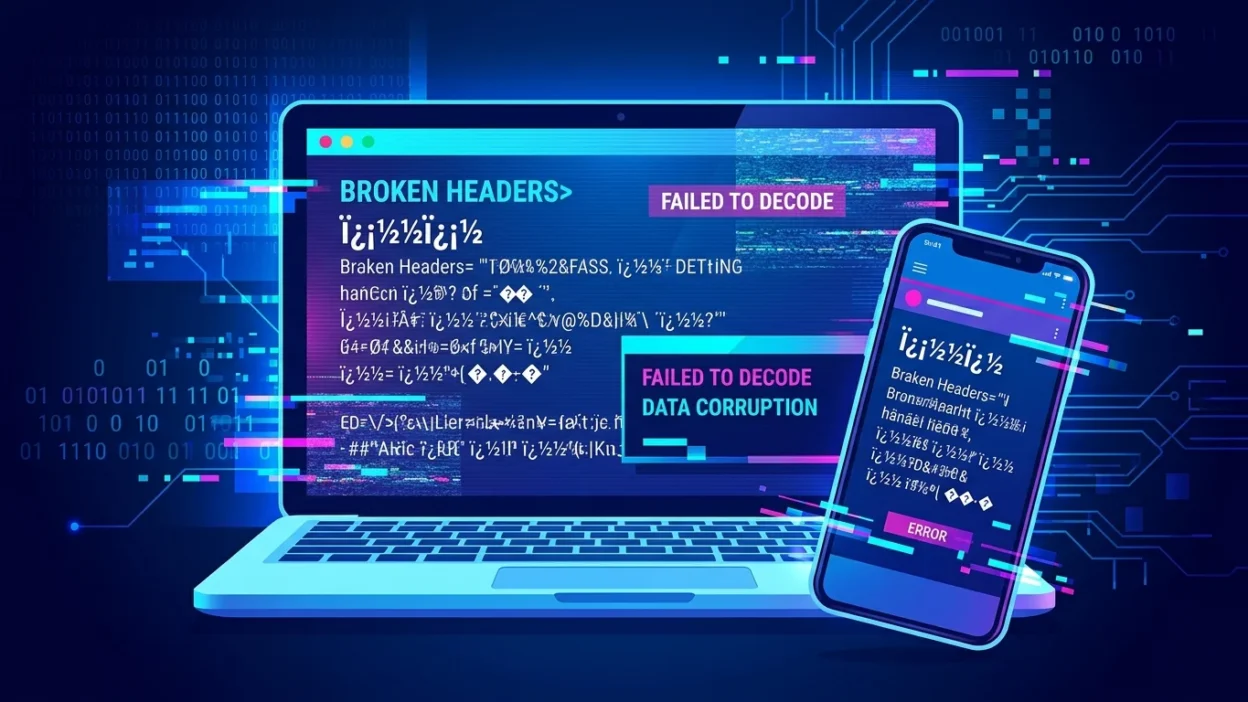
Sometimes you open a message, a comment, or a website and instead of normal words, you see strange symbols like “���” or broken text that makes no sense. At first, it feels confusing. You might think your phone is broken, the message is corrupted, or maybe it’s some secret code you don’t understand.
Many people first notice this when copying text from one app to another or when a webpage fails to load properly. It often appears in social media posts, chats, or even emails, leaving users wondering what it really means and why it shows up. In reality, this is not a secret message at all—it is a simple technical issue related to how text is displayed.
Quick Answer:
The term “��� meaning” usually refers to broken or unreadable text caused by a character encoding error, not a real word or slang.
Meaning of “���” in Text (Simple Explanation)
The symbol sequence ��� is not an actual word or abbreviation. It is a text encoding error symbol, often called a replacement character error.
This happens when a device cannot properly read or convert certain letters, emojis, or special characters from one format to another. Instead of showing the correct text, it replaces it with strange symbols like:
- �
- ???
- �
- boxes or broken icons
Why this happens:
- The text was copied from a different system
- The file uses unsupported fonts or encoding
- The app cannot read special characters
- Data was corrupted during transfer
- Browser or software mismatch
Example sentence:
“I copied the message, but it turned into ��� on my phone.”
Bold Summary: The symbol “���” means the text is broken or unreadable due to a display or encoding problem, not a real word.
Where You Commonly See This Symbol
The >��� meaning in text confusion usually appears in digital spaces where data moves between different systems.
You may see it in:
- Text messages when copying content from apps
- Social media posts like Facebook, Instagram, or TikTok comments
- Websites and blogs with poor encoding support
- Emails containing special formatting
- Gaming chats with unsupported fonts
- PDF or document files opened in the wrong software
Tone and nature:
This is not slang or informal chat language. It is a neutral technical glitch, not meant to express emotion or meaning.
Real-Life Chat Examples (Lowercase Style)
Here are realistic examples of how people encounter this issue:
- “i sent you the text but it shows ��� on your phone”
- “why is this message full of weird symbols like ���?”
- “i think the file is broken, everything is ���”
- “it worked on my laptop but shows ��� here”
- “this post got messed up, all i see is ���”
- “bro your emoji turned into ��� lol”
- “the website is glitching, text is ��� everywhere”
- “i copied it from pdf and now it’s ���”
- “not sure what this says, just shows ���”
- “update broke the fonts, now it’s all ���”
These examples show that this issue is part of everyday texting culture and online chat problems, not intentional language.
When to Use and When Not to Use This Term
Technically, you don’t “use” ��� meaning” as a slang term. It is something you notice, not something you type intentionally.
✔️ When it appears naturally:
- Copying text between apps
- Viewing broken webpages
- Opening unsupported files
- Sharing content across devices
- Reading corrupted messages
❌ When it should NOT be used:
- In normal conversation
- In professional writing
- In social media captions
- In formal documents
- As slang or abbreviations
Comparison Table
| Context | Example Phrase | Why It Works / Doesn’t Work |
|---|---|---|
| Technical issue | “the file shows ��� everywhere” | Correct use as error description |
| Casual chat | “what does ��� mean?” | Okay, asking for clarification |
| Social media caption | “feeling ��� today” | Incorrect, no real meaning |
| Work report | “system displays ��� error” | Acceptable in technical context |
Why This Happens (Simple Breakdown)
To understand the >��� meaning in text slang confusion, you need to know a little about encoding.
Computers use systems like:
- UTF-8
- ASCII
- Unicode
When one system cannot read another system’s characters, it replaces them with symbols like “�”.
Common causes:
- Different language settings
- Missing font support
- Copy-paste errors
- Software bugs
- Old devices or apps
Think of it like trying to read a book written in a language your phone doesn’t understand—it replaces unknown words with blank symbols.
Similar Errors or Alternatives
These are other forms of the same issue in online chat meaning and digital text problems:
1. Question marks (???)
Used when text cannot be displayed at all.
2. Empty boxes (☐☐☐)
Shows missing font support.
3. Random symbols (@#$%)
Appears when encoding breaks completely.
4. Mojibake (garbled text)
A technical term for unreadable text caused by encoding mismatch.
5. Black diamond with question mark (�)
The most common replacement character in modern systems.
All of these mean the same thing: the system failed to display the correct text.
FAQ About “��� Meaning in Text”
1. Is ��� a real word or slang?
No, it is not a word or slang. It is a broken text symbol caused by encoding errors.
2. Why do I see ��� in messages?
It appears when your device cannot read or display certain characters properly.
3. Can I fix ��� text?
Yes, usually by changing encoding settings, updating apps, or re-copying the text.
4. Is it a virus or harmful?
No, it is not a virus. It is only a display issue.
5. Does it happen on social media?
Yes, especially when content is copied between apps or uploaded incorrectly.
6. Can emojis turn into ���?
Yes, emojis often turn into these symbols when unsupported.
7. Is this part of texting slang?
No, it is not slang. It is a technical glitch in digital communication.
Final Thought
The >��� meaning in text is not about language or slang—it is about technology. These strange symbols appear when devices fail to understand certain characters, turning normal text into unreadable signs. While it may look confusing at first, it is simply a harmless encoding issue that happens in everyday digital communication. Understanding this helps you avoid confusion when chatting online, using social media, or sharing files across devices. In today’s fast-moving digital world, knowing these small technical details makes your online experience much smoother and easier.